
VoIP gateways, SBCs and modules
Every beroNet device runs beroNet OS and can be managed remotely from the beroNet Cloud — how that works is further down this page. Configurations, prices and stock are in the shop; this page is the map of the range.
Modular SBC gateways
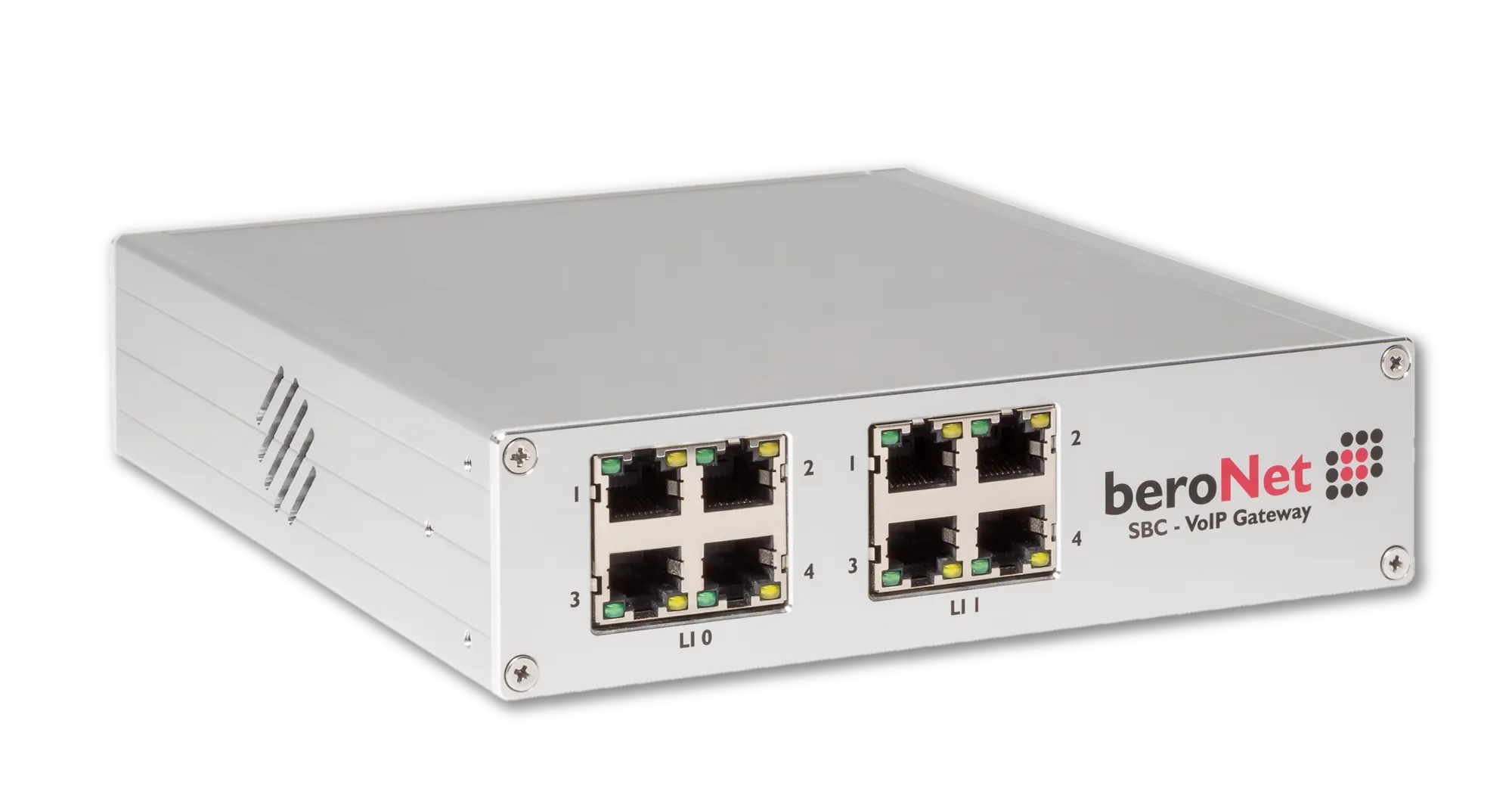
Up to two modules — BRI, PRI, FXS, FXO or LTE — in one chassis, in any combination. Each port switches between NT and TE mode from the web interface. Two network interfaces allow the device to sit between two IP networks.
- Analog gateways — FXO and FXS for lines, phones, fax and modems
- ISDN gateways — BRI and PRI, including hybrid BRI/FXS
- Add-on modules and accessories — modules, brackets, cables, antennas
SIP-to-SIP calls need an SBC licence. Calls between ISDN, analog or LTE and SIP do not — that is the gateway function every device has out of the box.
eSBC Small Business Line
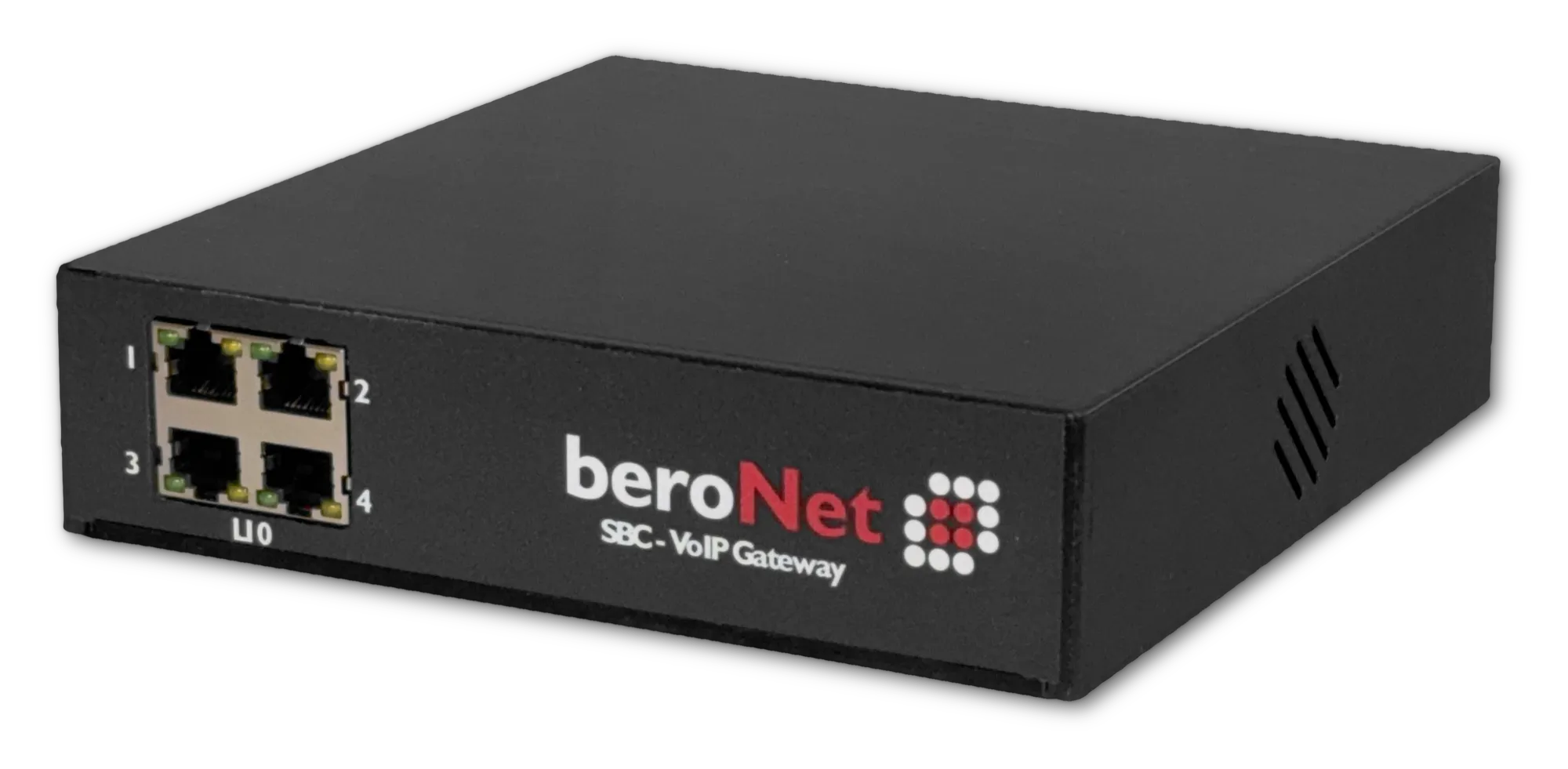
A non-modular entry-level device with a fixed port layout. Same operating system, same cloud management, lower price point.
VoLTE eSBC
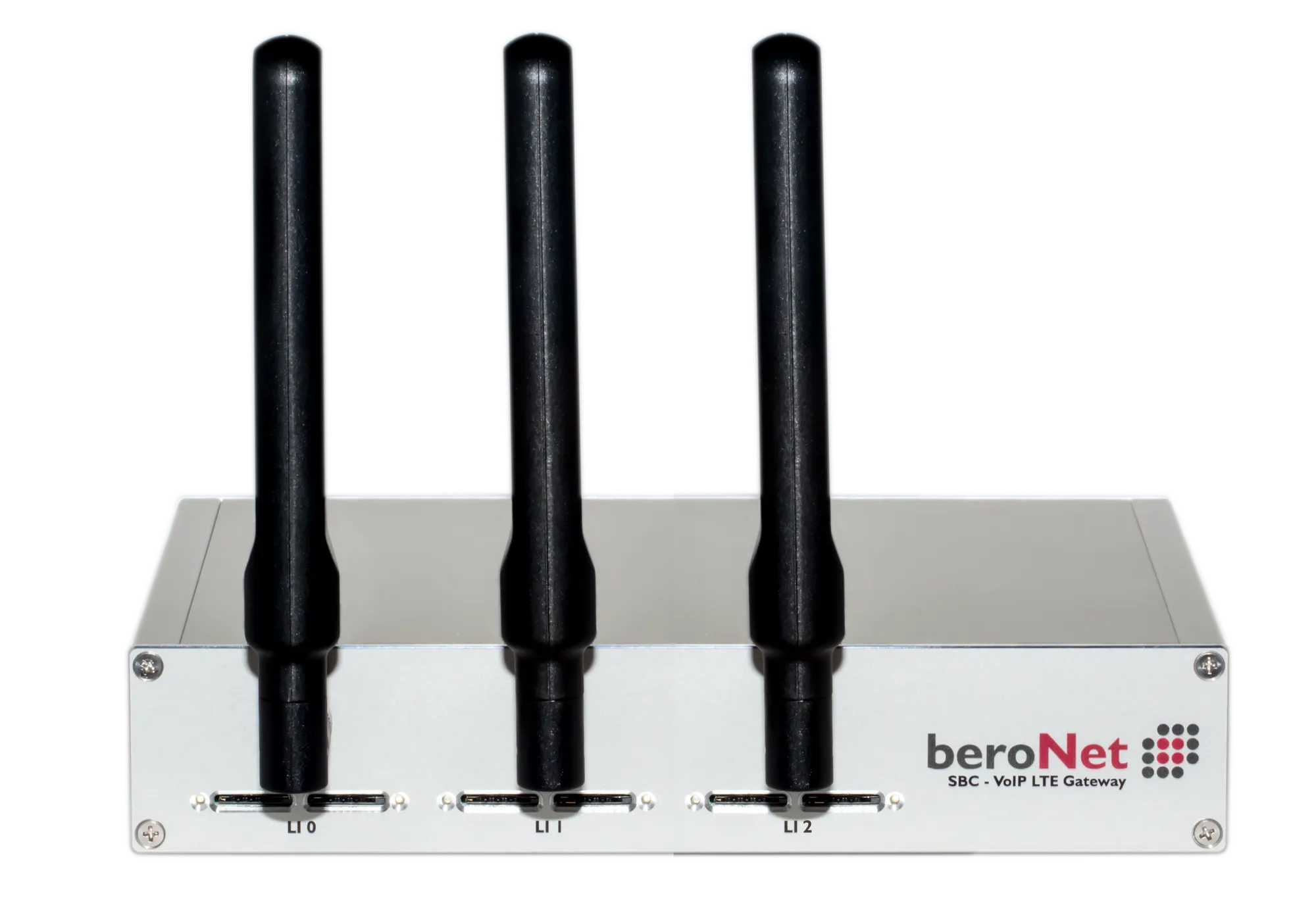
LTE as a real trunk: least-cost routing to mobile numbers, mobile installations, and a failover path that keeps a site reachable when the SIP provider or the IP PBX is down.
Virtual SBC (vSBC)
The same SBC software as the hardware, as a virtual machine on a host that is already there — an OVA, a qcow2 image, a VHDX or a Docker image, for transparent SIP-to-SIP sessions. It does not replace a device: without a DSP there is no transcoding and no T.38 fax relay, and a virtual machine has no ISDN, analogue or LTE ports. Setup is done by beroNet over remote access, and the vSBC is activated through the beroNet Cloud.
Telephony appliance (uCPE)
A silent, energy-efficient x86 platform with the beroNet Hypervisor preinstalled, for running an IP PBX and other virtual network functions on one box.
Remote management with the beroNet Cloud
Every device in the range can be managed from the beroNet Cloud, and it is the device that opens the connection, not the cloud. A gateway sends an HTTPS request outward about once a minute, reports its network settings, SIP registration, the state of the ISDN ports and its CPU and memory load, and picks up whatever task is waiting for it. Nothing from the outside has to reach into the customer network: no inbound port in the firewall, no port forwarding, no NAT rule. The device needs internet access and a correct name server setting, and that is all.
From there a whole fleet is watched at once, with connection and status changes. Configuration and firmware updates are rolled out across it, scheduled if needed. A dashboard shows every device on a map, organised by site. A notification goes out when a device drops out. Device configurations are backed up and restored, a configuration is activated and a device rebooted remotely, and apps from the beroNet Market are installed on one device or on a whole fleet. Partner and professional accounts add client management and provisioning on first boot.
The cloud is an addition, not a requirement — every device is configured through its own web interface as well. Sign up at berocloud.beronet.com: the first 30 days are free.
Current range
- Enterprise SBC
One platform, two capacity classes, six module types — the interface mix follows the site, not the catalogue.
- Small Business Line
Fixed interfaces, one job, entry-level price — for sites whose wiring is not going to change again.
- VoLTE SBC
Successor to the GSM gateway: voice over LTE, with fallback to 2G and 3G.
- vSBC
The software of the beroNet hardware SBCs as a virtual machine, for transparent SIP-to-SIP sessions.
- uCPE
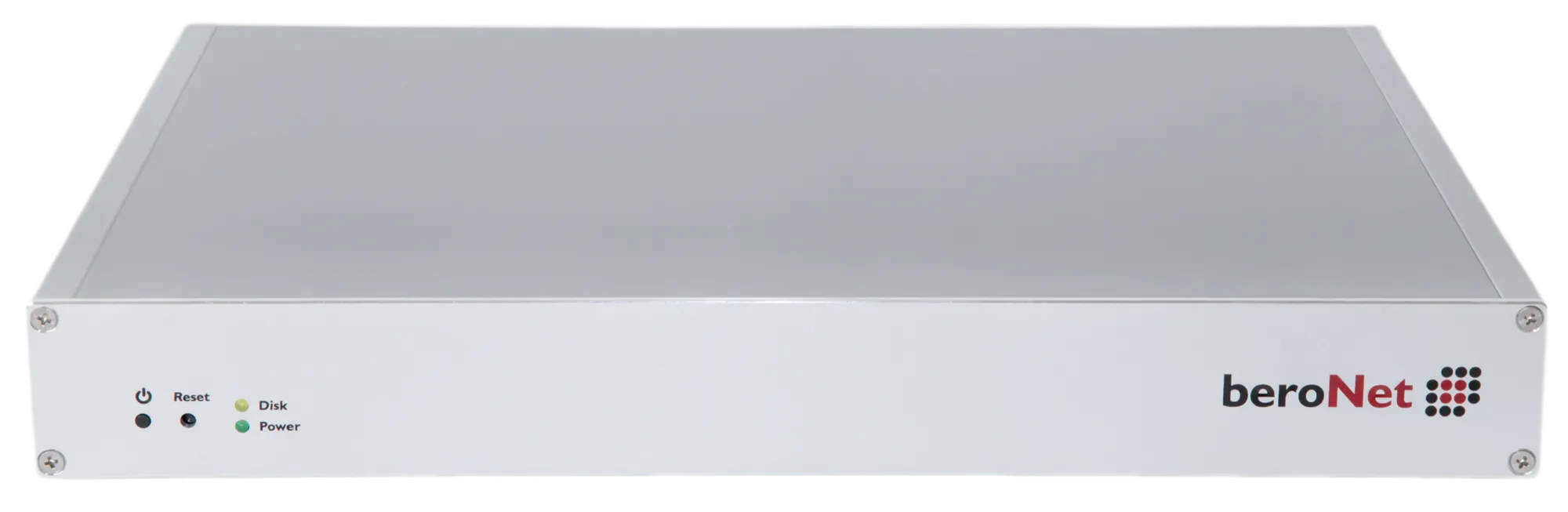
The branch server that is also the gateway: PBX, router and firewall as VMs, telephony interfaces on the same chassis.
- beroCAPI
The CAPI interface stays where the application expects it; the ISDN line moves to a gateway on the network.
- ISDN gateways
The ISDN side of the modular platform: one housing, one web interface, from two BRI ports to 60 PRI channels.
- Analogue gateways
For everything that will never speak SIP: fax, alarm diallers, door intercoms, lift emergency telephones.
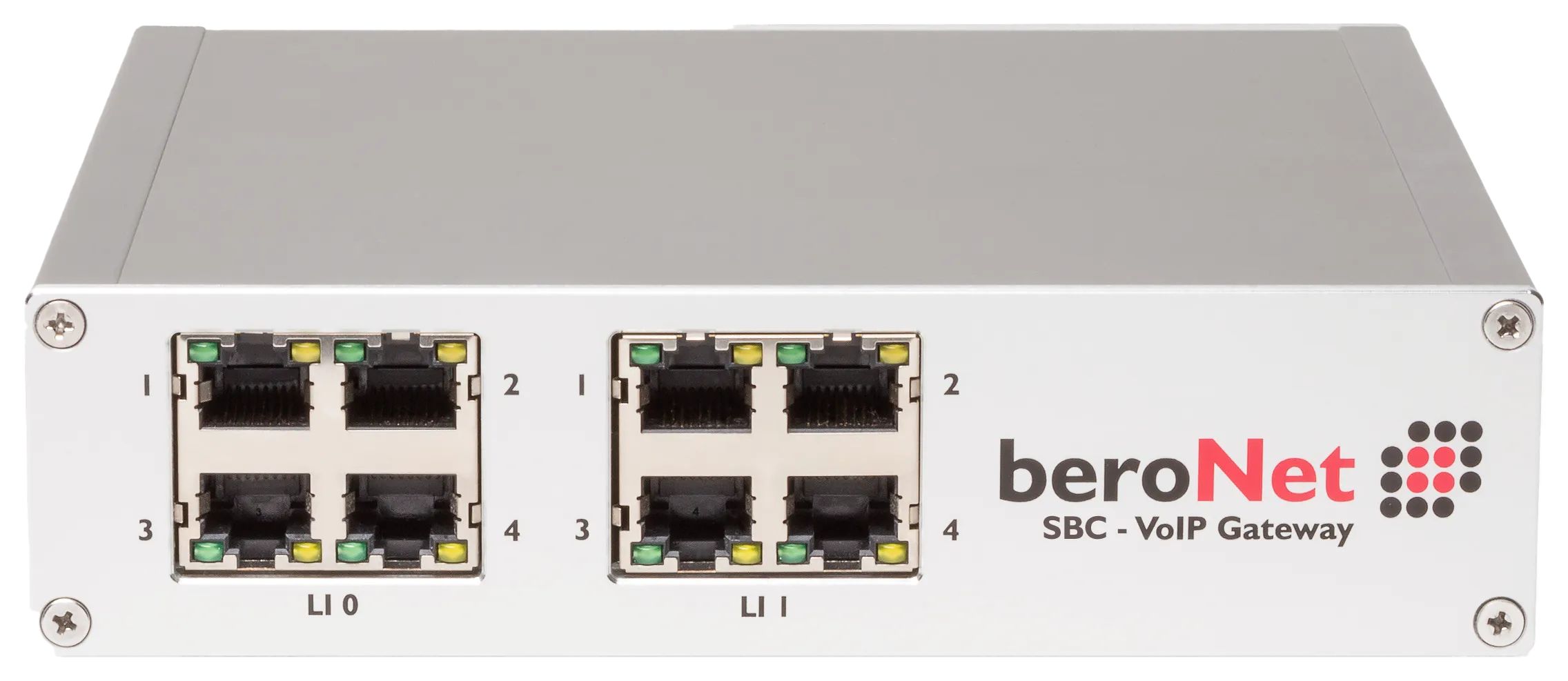
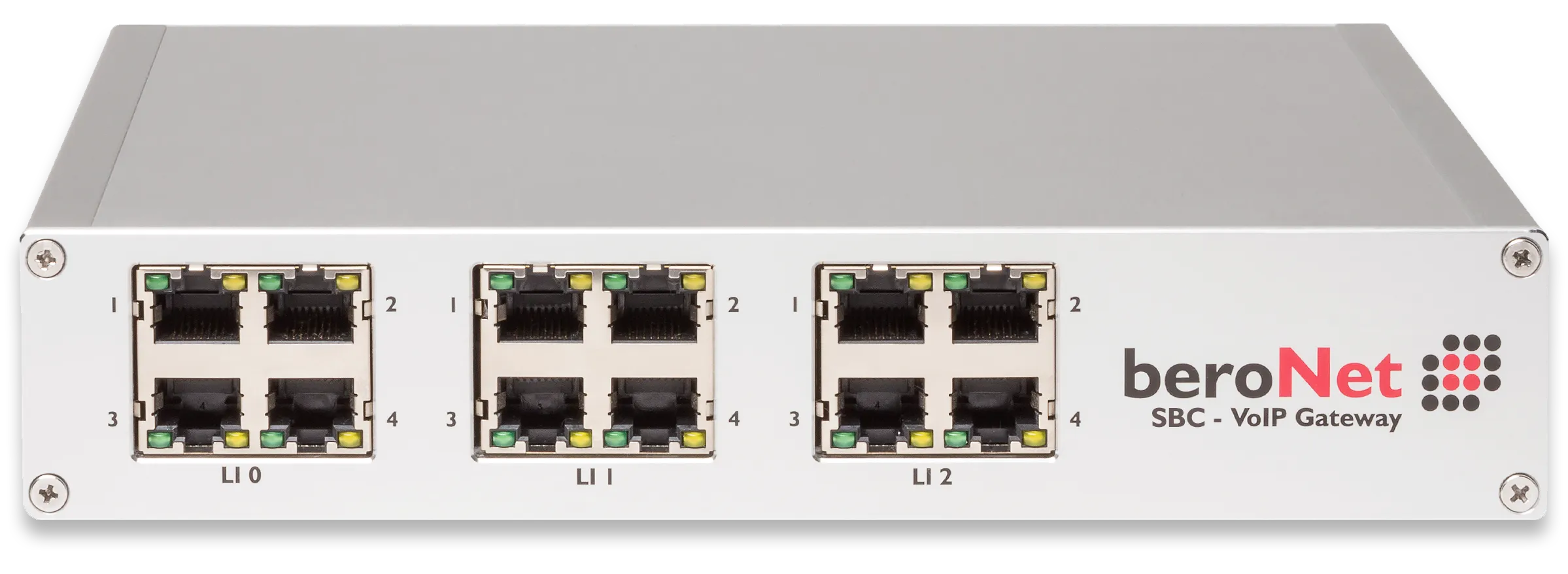
End of life
- PCIe VoIP card
The same modules as the gateways, inside the server instead of next to it — and no driver to break on the next kernel.
The range at a glance
Figures per family, taken from the model tables on each family page. Where models differ, the range from smallest to largest is shown. A dash means no figure is published for that family; a zero means the family does not offer it at all.
| Family | Models | Transparent sessions | Transcoded sessions | PSTN channels |
|---|---|---|---|---|
| Enterprise SBC | 2 | 128 | 8–16 | 16–64 |
| Small Business Line | 8 | 128 | 8 | 0–60 |
| VoLTE SBC | 13 | 128 | 8–16 | 2–34 |
| vSBC | 1 | 128 | 0 | 0 |
| uCPE | 8 | — | — | 4–60 |
| beroCAPI | 6 | — | — | 1–2 |
| ISDN gateways | 7 | 128 | 8–16 | 6–60 |
| Analogue gateways | 5 | 128 | 8–16 | 4–12 |